.svg)
.svg)
Advanced Workflows: How to Sync QA Flow with TestRail for Enterprise Visibility


A CTO at a Series C SaaS firm once reviewed a dashboard showing 90% automation coverage, yet their release cycle still required two full weeks of manual oversight. That disconnect between fast code and slow reporting is the hidden cost. For engineering leaders, creating tests is only half the battle. Getting those results into the system of record is what enables speed. Adopting a centralized quality reporting architecture removes the data silos that slow down deployments.
To sync test results effectively, engineers use the TestRail API to map autonomous test suites to specific run_id and case_id values. The add_result_for_case endpoint pushes execution statuses, network logs, and failure videos into central milestones. This creates a unified audit trail for enterprise reporting, ensuring that a structured engineering ramp-up includes clear visibility into quality standards.
The automation gap: why coverage is not visibility
Teams invest heavily in scaling test execution but rarely give the same attention to reporting. Growth exposes a mathematical impossibility for manual QA. The result is a test automation gap: automation increases but quality goals remain unmet because traceability is missing. Traceability disappears when results sit in separate dashboards, forcing manual status updates that waste engineering time. That creates a linear scaling bottleneck that limits feature output. Implementing autonomous systems helps mitigate the velocity tax caused by brittle scripts and manual overhead, especially when optimizing QA automation for SaaS.
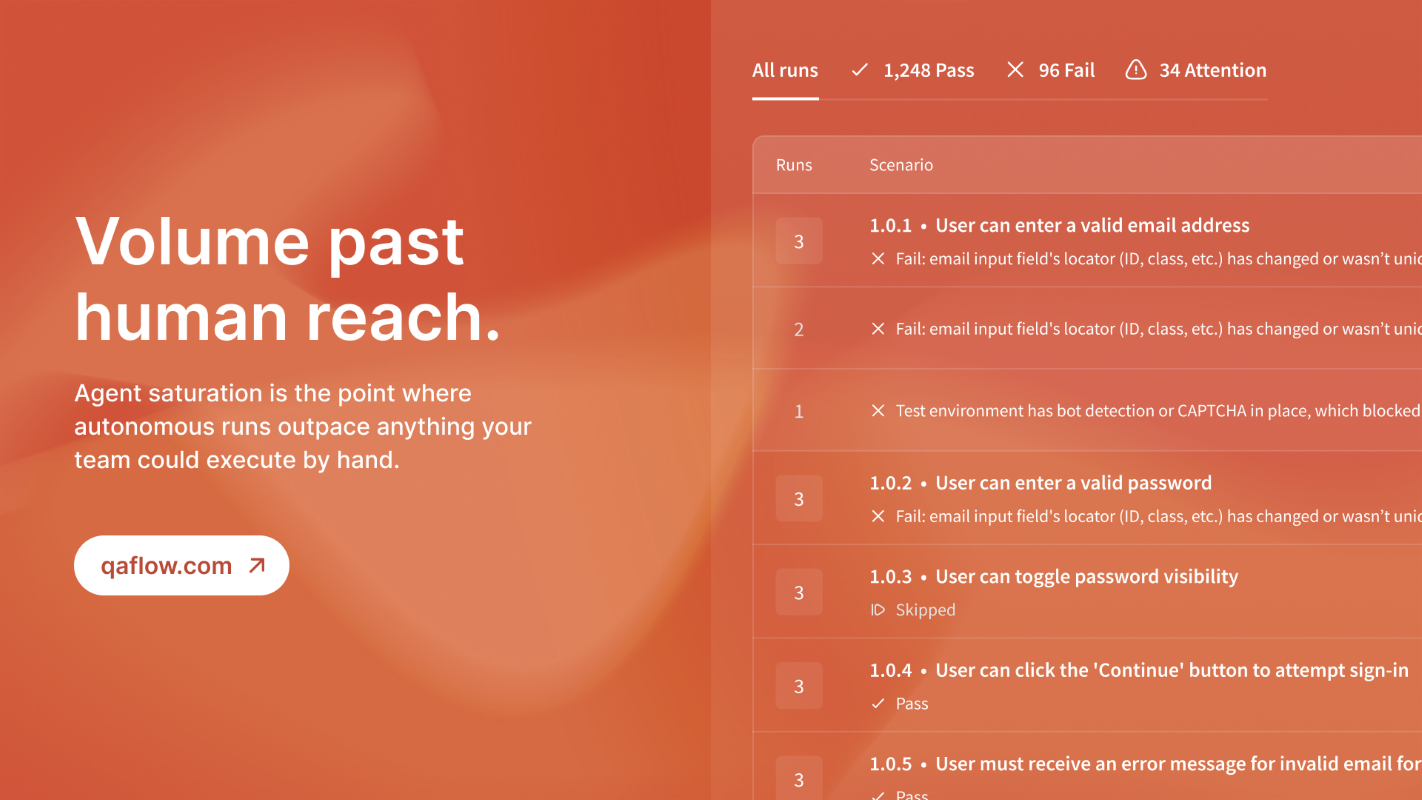
AI agents are on the rise, but TestRail and similar platforms still serve as the source of truth for audits in large organizations. Executive reporting demands a single view. When autonomous agents operate in isolation, proving coverage or passing a security audit turns into an administrative burden. Switching to intent-based testing makes records resilient to UI changes. But those records are useless unless they land in the central management suite. Relying on traditional QA approaches like proportional hiring rarely gives you the durability needed for enterprise scale. Disconnected data erodes margins through administrative friction.
How to sync QA flow with TestRail
The integration hinges on technical alignment. Map autonomous test suites to the management tool's hierarchy, linking every automated result to a specific requirement. Automating the reporting loop cuts the manual friction that bogs down large engineering organizations. When you evaluate agent performance, this synchronization becomes a key factor in project success. It's an economic reality for maintaining margins during rapid scaling. A proper test management AI sync keeps data flowing between tools without manual intervention.

Handling API rate limits and authentication
You must manage technical limits during the sync. TestRail Cloud rate limits can cause 429 errors, so the integration must handle batch updates efficiently. A successful sync depends on how the system handles these high-volume data transfers. The goal is total synchronization without manual intervention. The process involves four steps. First, initialize the API connection using an administrative API key so the agent can post results across projects. Second, define the mapping between the autonomous test suite and the TestRail case_id to maintain data accuracy. Third, execute the batch update using the add_results_for_cases endpoint to push many statuses in one call, reducing the risk of hitting rate limits. Fourth, enrich the record by using status 5 for failed tests, including failure comments and direct links to bug reports.
Execution vs reporting: defining the roles
Comparing agent and management functions
The autonomous agent's primary function is execution and bug detection. TestRail (Management Suite) handles centralized reporting and audit trail. The agent takes design intent and commit hashes as input;TestRail relies on API-driven results and manual cases. For stakeholders, the agent delivers rapid regression and velocity, while TestRail provides executive visibility and compliance.
Understanding the difference between execution and management is crucial. The agent executes the logic;the management suite governs the history. Without a bridge, you cannot compare historical trends against current agent performance. That bridge is the architecture, and the payoff is visibility. QA flow and TestRail serve complementary roles in a modern stack.
Closing the loop with data-rich bug reports
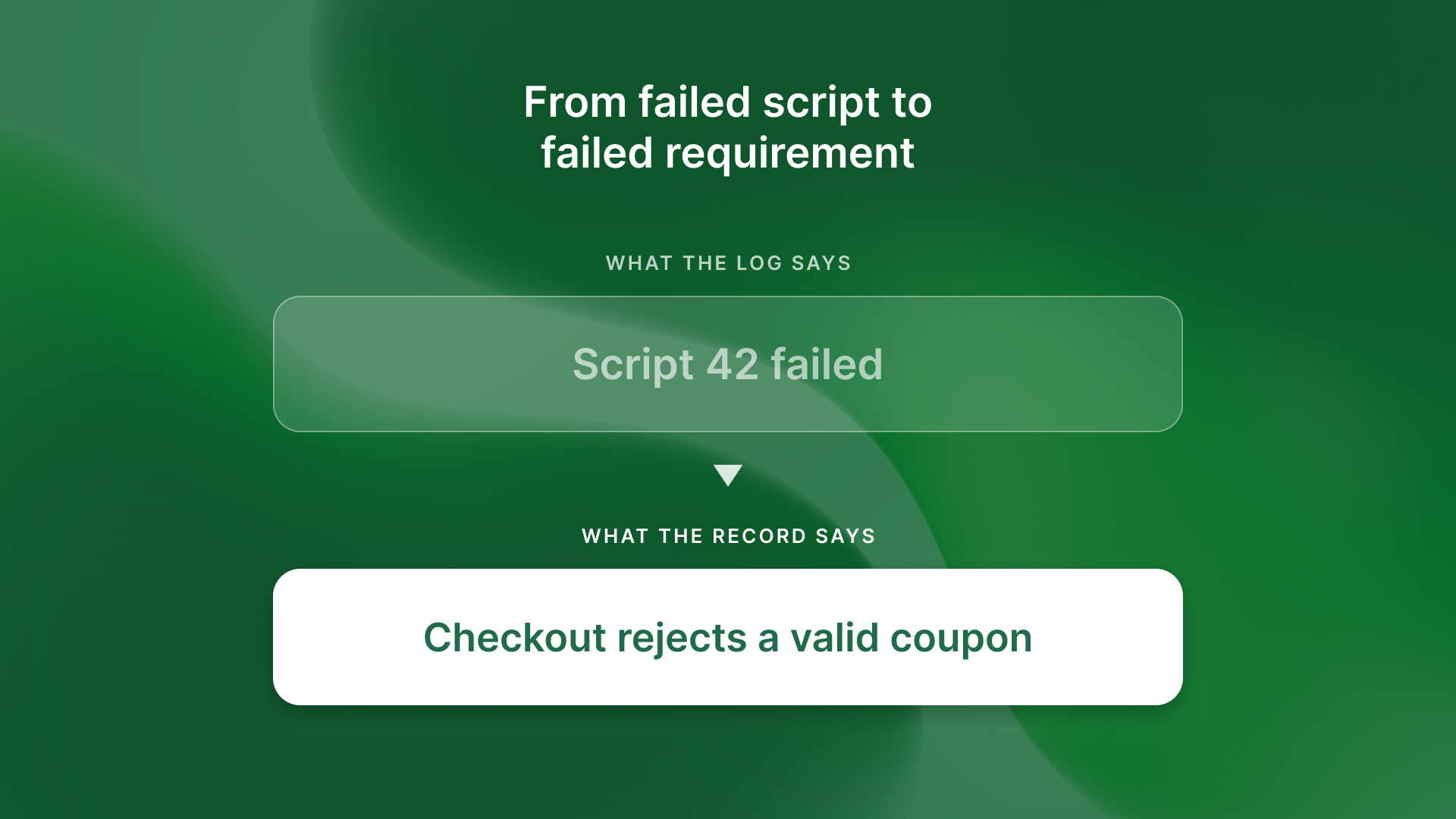
The real power comes from the data you transfer. Syncing a pass or fail status is not enough. You must provide the context a developer needs to act fast, which prevents manual reporting bottlenecks during triage. Effective integrations include network and console logs to identify backend failures, high-definition failure videos for visual reproduction, environment details for consistent debugging, and direct links to auto-generated bug reports for fast triage.
Combine autonomous execution with executive reporting, and you remove the velocity tax. When agents update the system of record automatically, your team can shift from manual regression to high-value work. Regular QA flow reviews keep the integration robust as the product evolves. Do not let data silos hold back your roadmap. Ship at the speed of your ideas.
What to ask your team
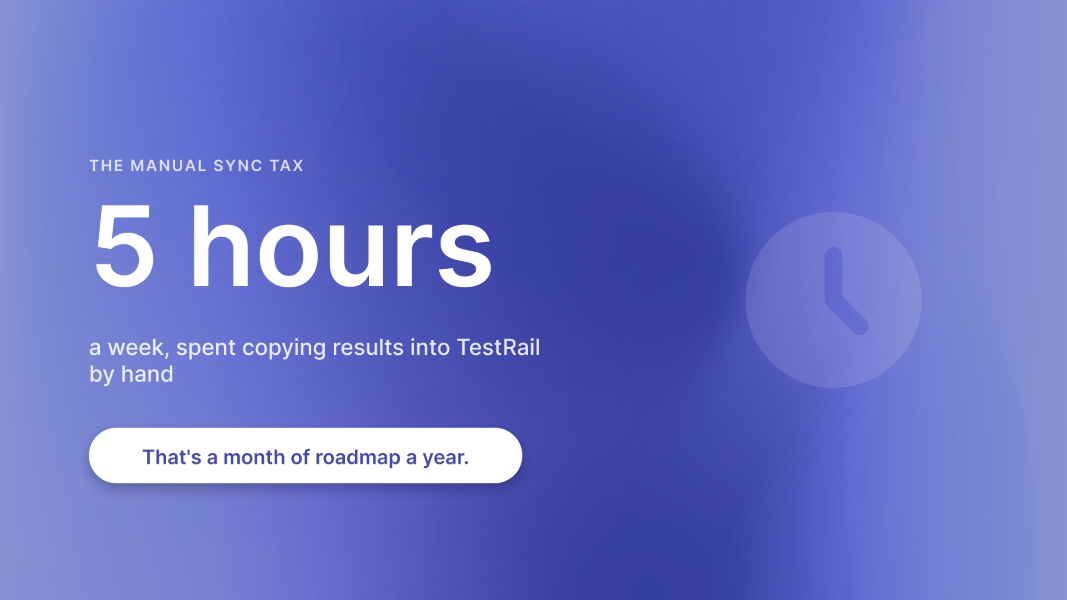
Start by asking how many hours a week the team spends manually updating TestRail or Jira. Then consider how long it would take to generate a full traceability report for last week's release if an enterprise customer asked. Are your autonomous tools and TestRail running as two separate worlds, or does one inform the other? And finally, are you paying a visibility tax on every deployment?

Schedule a demo with our team today to see how QA flow can improve your testing infrastructure and accelerate your release cycles.